What Is Apple Watch?
What is Apple Watch?
In the simplest words, Apple Watch is a smartwatch made by Apple that works as an extension of your iPhone and sits on your wrist.
But calling it just a watch is like calling a smartphone just a phone.
The Apple Watch is:
- A health tracker
- A fitness coach
- A notification manager
- A mini communication device
- A digital lifestyle assistant
All packed into a small screen you wear all day.
If you’ve ever thought:
“Why do people wear a computer on their wrist?”
You’re not alone. I had the same question before using one.
Why Apple Created the Apple Watch
Apple didn’t create the Apple Watch to replace traditional watches.
They created it to solve three modern problems:
1. We Check Our Phones Too Much
People unlock their phones 100+ times a day.
Apple Watch lets you check important things quickly—without falling into endless scrolling.
2. Health Is Ignored Until It’s Too Late
Heart rate, movement, sleep—most people never track these.
Apple Watch quietly monitors your body in the background.
3. Technology Wasn’t Personal Enough
Phones stay in pockets.
Apple Watch stays on your body, learning your habits, routine, and activity.
👉 Apple’s idea was simple:
“Technology should adapt to your life, not distract from it.”
Apple Watch vs Normal Watch
Let’s break it down without tech jargon.
A Normal Watch:
- Shows time
- Maybe shows date
- Works for years without charging
- Looks elegant and simple
Apple Watch:
- Shows time plus
- Tracks heart rate
- Counts steps and calories
- Shows calls, messages, emails
- Tracks workouts
- Monitors sleep
- Can call for help in emergencies
📌 Analogy:
A normal watch is like a bicycle.
Apple Watch is like a motorbike—more power, more features, but more responsibility too.
How Apple Watch Works
Many beginners think Apple Watch works fully on its own.
That’s not entirely true.
Apple Watch Needs:
- An iPhone (mandatory)
- Bluetooth or Wi-Fi connection
- Apple ID
- Regular charging (daily or alternate day)
What Happens in Real Life: What is Apple Watch?
- Your iPhone does the heavy work
- Apple Watch mirrors important things
- Sensors collect health data
- Everything syncs back to your phone
⚠️ Important Beginner Truth:
If you don’t use an iPhone, Apple Watch is not for you.
My First Experience Using Apple Watch
The first day felt… strange.
I kept:
- Checking my wrist unnecessarily
- Feeling small vibrations
- Getting distracted by notifications
But after 2–3 days:
- I stopped checking my phone constantly
- I became more aware of movement
- I noticed patterns in sleep and activity
It didn’t change my life overnight.
But it changed how aware I was of my daily habits.
And that’s where Apple Watch quietly wins.
What Apple Watch Is REALLY Good At
1. Health Awareness
Apple Watch doesn’t cure diseases.
But it warns you early.
Examples:
- Unusual heart rate alerts
- Low activity reminders
- Sleep pattern tracking
Think of it as:
A friend who taps your shoulder and says, “Hey, pay attention.”
2. Fitness Motivation
No shouting.
No hardcore gym culture.
Just:
- Daily move goals
- Gentle reminders
- Visual progress rings
It works because it feels personal, not forced.
3. Notification Control
Ironically, Apple Watch reduces distractions when used properly.
Instead of:
- Unlocking phone
- Opening apps
- Scrolling endlessly
You:
- Glance
- Decide
- Move on
Early Pros and Cons
✅ Pros
- Extremely beginner-friendly
- Clean and smooth interface
- Accurate health tracking
- Deep integration with iPhone
- Excellent build quality
❌ Cons
- Needs daily charging
- Expensive compared to basic watches
- iPhone-only ecosystem
- Easy to overuse notifications
Who Apple Watch Is Best For
Apple Watch makes sense if you: What is Apple Watch?
- Already use an iPhone
- Care about health awareness
- Want gentle fitness motivation
- Prefer convenience over complexity
- Like Apple’s ecosystem
It may NOT be ideal if you:
- Want a “set and forget” watch
- Hate charging devices daily
- Prefer Android phones
- Don’t care about health tracking
Accessory Dependency Truth
Let’s be honest.
Apple Watch looks incomplete without accessories:
- Extra straps
- Screen protectors
- Protective cases
- Chargers for travel
This adds hidden cost, which beginners often overlook.
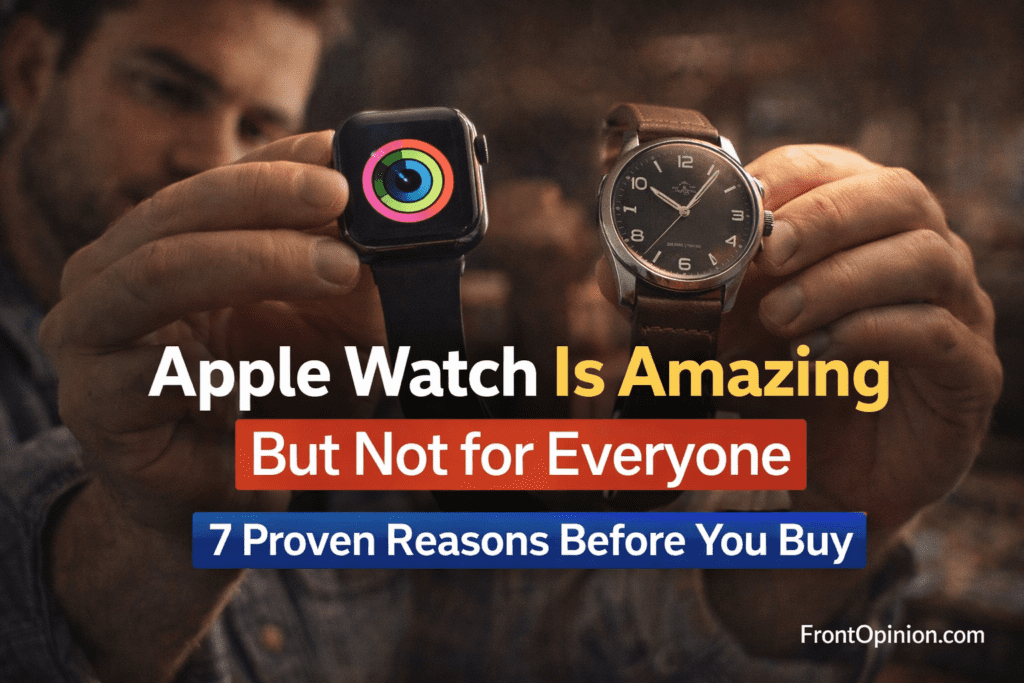
Apple Watch Is Amazing But Not for Everyone: 7 Proven Reasons Before You Buy
Cost vs Benefit
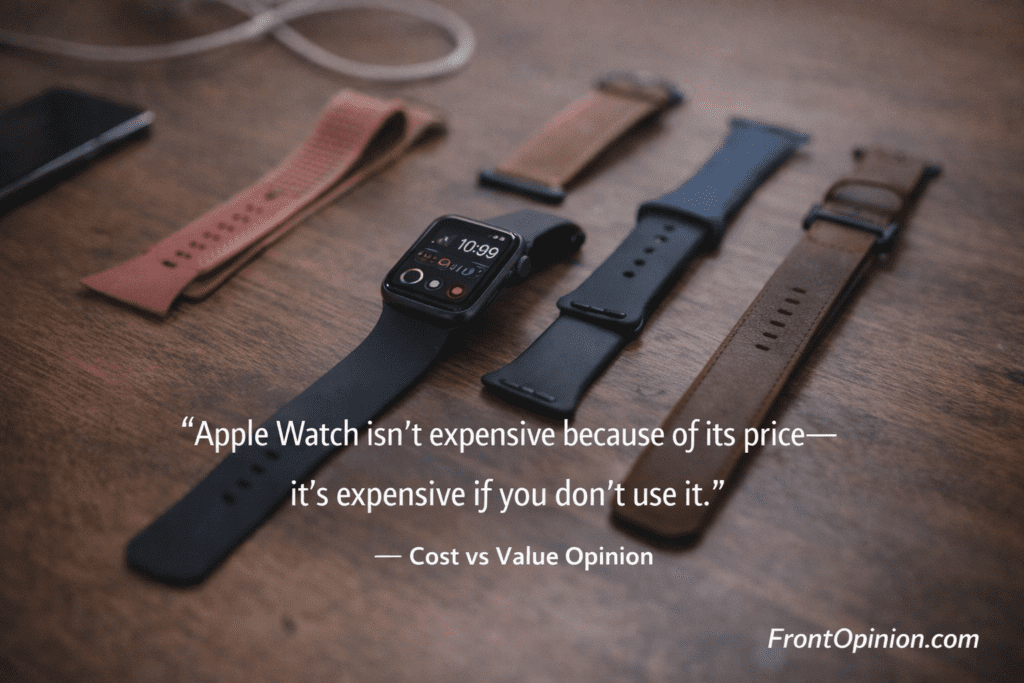
Apple Watch is not cheap.
But its value depends on:
- How often you use health features
- Whether it replaces phone dependency
- How long you keep it (3–5 years)
If it sits unused, it’s expensive jewelry.
If it becomes part of your routine, it’s a useful tool.
Apple Watch Features Explained
When beginners hear about Apple Watch features, it often sounds overwhelming.
ECG. SpO₂. Rings. Fall detection. Siri. Cellular.
Let’s slow it down.
Think of the Apple Watch not as one big device, but as five small tools combined into one:
- Health Monitor
- Fitness Tracker
- Notification Manager
- Safety Companion
- Convenience Assistant
I’ll explain each the way a real user experiences them—not how Apple markets them.
1. Health Features: What Apple Watch Actually Tracks
This is where most curiosity (and confusion) starts.
Heart Rate Monitoring
Apple Watch continuously checks your heart rate throughout the day.
What it shows:
- Resting heart rate
- Walking average
- Workout heart rate
- Sudden spikes or drops
📌 Real-life example:
I noticed my heart rate staying unusually high during rest.
It didn’t diagnose anything—but it made me more aware.
⚠️ Important truth:
Apple Watch is not a medical device.
It’s an early warning system, not a doctor.
ECG (Electrocardiogram)
ECG sounds scary. It’s not.
You place a finger on the Digital Crown, and the watch records your heart rhythm for 30 seconds.
It helps detect:
- Irregular rhythms
- Possible atrial fibrillation signs
👉 Most beginners rarely use ECG daily.
👉 It’s there when needed, not constantly.
Blood Oxygen (SpO₂)
This measures how well oxygen is circulating in your blood.
Honest truth:
- Useful for trends
- Not something you’ll check daily
- More relevant during illness or sleep
Think of it as background data, not a daily obsession.
Sleep Tracking
Apple Watch tracks:
- Sleep duration
- Sleep consistency
- Sleep stages (light, deep, REM)
But here’s the catch:
👉 You must wear it while sleeping
👉 Battery must be managed smartly
💡 Beginner insight:
Sleep tracking is helpful only if you change habits, not just watch numbers.
2. Fitness Tracking: Motivation Without Pressure
Apple Watch doesn’t scream:
“GO TO THE GYM!”
Instead, it quietly nudges.
Activity Rings
There are three rings:
- Move – calories burned
- Exercise – active minutes
- Stand – movement throughout the day
Closing rings feels weirdly satisfying.
📌 This works because: What is Apple Watch?
- No comparison with others
- Personal daily goals
- Visual progress
Workout Modes
Apple Watch supports:
- Walking
- Running
- Cycling
- Yoga
- Strength training
- Swimming
- HIIT
- Many more
Beginner-friendly part?
👉 You don’t need perfect form or gym knowledge.
👉 Just start moving—the watch adapts.
Accuracy Reality Check
Is Apple Watch fitness tracking accurate?
Short answer: Very good, not perfect
- Steps: accurate
- Calories: estimates
- Distance: reliable
- Heart rate: consistent
For professionals? Maybe not.
For everyday users? More than enough.
3. Notifications: The Most Misunderstood Feature
People assume Apple Watch increases distractions.
Used wrongly? Yes.
Used correctly? It reduces phone addiction.
How Notifications Feel on Apple Watch
Instead of:
- Loud sounds
- Bright screens
- Long messages
You get:
- Gentle taps
- Quick glances
- Easy dismissals
📌 Personal habit change:
I stopped unlocking my phone “just to check one thing.”
That alone made Apple Watch useful.
Customization Is Key
Beginners often make one mistake:
👉 They allow all notifications
Result?
- Constant buzzing
- Mental fatigue
- Regret
Correct approach:
- Only calls
- Important messages
- Health alerts
Less is more.
4. Safety Features: Quiet but Powerful
This part rarely gets attention—until needed.
Fall Detection
If Apple Watch detects a hard fall: What is Apple Watch?
- It asks if you’re okay
- Automatically calls emergency services if no response
Especially useful for:
- Elderly users
- People living alone
- Outdoor walkers
Emergency SOS
With one button press:
- Calls local emergency number
- Shares location
- Alerts emergency contacts
You hope to never use it.
But knowing it’s there feels reassuring.
5. Convenience Features You Didn’t Know You Needed
These are small things—but they add up.
Apple Pay on Wrist
No wallet.
No phone.
Just tap your wrist.
Once you get used to this, going back feels annoying.
Siri on the Wrist
Quick things like: What is Apple Watch?
- Setting alarms
- Timers
- Weather checks
- Reminders
Not for long conversations—but perfect for quick tasks.
Music & Calls
- Control music
- Take calls while walking
- Reply with voice or quick text
It won’t replace your phone—but it reduces dependency.
Apple Watch Models Overview
Apple doesn’t sell “one” Apple Watch.
Apple Watch SE
- Budget-friendly
- Core features
- Best for beginners
Apple Watch Series
- Balanced option
- Health + fitness focus
- Most popular choice
Apple Watch Ultra
- Rugged
- Outdoor-focused
- Not for casual users
📌 Beginner advice:
Start simple. Most people never use Ultra-level features.
Pros and Cons
✅ Pros
- All-in-one health & fitness
- Smooth Apple ecosystem
- Easy for beginners
- Strong safety features
- Long software support
❌ Cons
- Battery anxiety
- Feature overload initially
- Expensive accessories
- iPhone dependency
Apple Watch Battery Life: The Reality No One Explains Properly
Let’s address the biggest beginner shock upfront.
👉 Apple Watch is not a “charge once and forget” device.
It’s more like your smartphone—just smaller and closer to your skin.
Average Battery Life
For most users:
- 1 full day comfortably
- Sometimes 1.5 days with light use
- Rarely 2 days (with features turned off)
This includes: What is Apple Watch?
- Notifications
- Health tracking
- Occasional workouts
- Sleep tracking (if enabled)
📌 Honest insight:
If daily charging annoys you, Apple Watch will test your patience.
Daily Charging Habit: Annoying or Normal?
At first, charging feels irritating.
But here’s what usually happens:
- You charge it while bathing
- Or while sitting at your desk
- Or before sleep if not tracking sleep
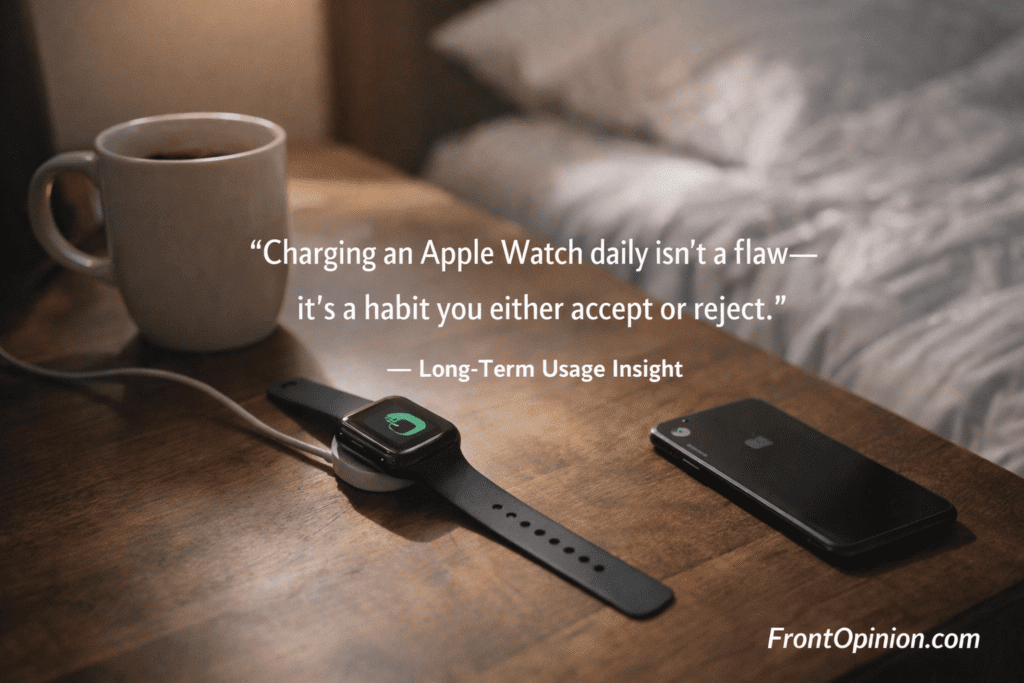
Eventually, it becomes routine, not a burden.
📌 Think of it like brushing teeth—annoying if forgotten, normal once habitual.
Battery Anxiety: A Beginner Phase
New users constantly check: What is Apple Watch?
- Battery percentage
- Power-saving modes
- Charging speed
After 2–3 weeks:
- Anxiety drops
- You learn your usage pattern
- You stop overthinking it
⚠️ But yes—battery anxiety exists, especially initially.
Low Power Mode: Useful but Limited
Apple Watch offers Low Power Mode:
- Disables some background features
- Extends battery life
- Keeps core functions running
But:
- Health tracking is limited
- Smart features are reduced
It’s a backup option, not a daily solution.
Accessory Dependency: The Untold Truth
This is where many beginners feel… cheated.
Apple Watch Looks Incomplete Without Accessories
Out of the box, you get: What is Apple Watch?
- One strap
- One charger
- That’s it
But soon, you realize:
- One strap isn’t enough
- Screen scratches are scary
- Outdoor use needs protection
Must-Have Accessories
1. Extra Bands
Why?
- Sweat
- Style change
- Comfort
- Formal vs casual wear
Most people end up buying 2–4 bands.
2. Screen Protector
Apple Watch screen is strong—but not invincible.
One accidental knock:
- Against wall
- Door frame
- Desk edge
And the regret begins.
3. Protective Case
Especially for:
- Gym users
- Outdoor workers
- Clumsy hands (no judgment 😄)
4. Extra Charger
You will forget your charger once.
That’s when you realize: What is Apple Watch?
- Apple Watch charger is unique
- Borrowing is difficult
Hidden Cost Breakdown
Let’s be brutally honest.
You buy Apple Watch thinking:
“This is the final price.”
It’s not.
Typical Extra Spending:
- Bands: ₹1,500 – ₹5,000+
- Screen protector: ₹500 – ₹1,000
- Case: ₹1,000 – ₹3,000
- Extra charger: ₹2,000+
📌 Total hidden cost:
Often 10–20% extra beyond watch price.
This matters for beginners on a budget.
Cost vs Benefit: Does It Still Make Sense?
Now the important question.
Is Apple Watch still worth it after knowing all this?
It makes sense if:
- You use health tracking daily
- Fitness motivation matters
- You want reduced phone usage
- You keep devices for years
It feels expensive if:
- You rarely check health data
- You ignore fitness rings
- You forget to wear it
- You dislike daily charging
📌 Apple Watch rewards consistent users, not casual ones.
Long-Term Usage Reality (3–5 Years View)
Apple Watches age differently than phones.
Software Support
- Long OS updates (5+ years)
- New features via updates
- Smooth performance over time
Battery Degradation
- Battery weakens after 2–3 years
- Replacement possible (paid)
- Still usable—but shorter life
Resale Value
- Better than most smartwatches
- Depends on condition and model
Psychological Effect: A Subtle Change
This part surprised me.
Apple Watch doesn’t just track life—it influences behavior.
Examples:
- Standing up more often
- Walking a little extra
- Sleeping earlier
- Being aware of stress
It’s not dramatic.
It’s gradual.
And that’s why it works.
Pros and Cons (Cost & Battery Focused)
✅ Pros
- Predictable daily charging
- Fast charging (newer models)
- Long software life
- Accessories improve experience
❌ Cons
- Daily charging required
- Accessories add cost
- Battery anxiety initially
- Forget charger = pain
The Biggest Beginner Question: “Is Apple Watch Actually for Me?”
By now, you understand:
- What Apple Watch is
- What it can do
- Its battery and cost realities
Now comes the most important part:
👉 Should YOU buy it—or skip it?
This section is intentionally honest.
No marketing. No hype. Just clarity.
Who Should Buy an Apple Watch
1. iPhone Users Who Want Less Phone Addiction
This is Apple Watch’s silent superpower.
If you:
- Unlock your phone constantly
- Get distracted easily
- Want quick information without scrolling
Apple Watch helps because:
- You glance, not dive
- You decide quickly
- You move on
📌 Many users buy it for fitness—but stay for this reason.
2. Health-Conscious Beginners
You don’t need to be:
- Athletic
- Fit
- Gym-obsessed
Apple Watch is perfect if you: What is Apple Watch?
- Want basic health awareness
- Care about heart rate trends
- Want reminders to move
- Want better sleep habits
It encourages progress, not perfection.
3. Busy Professionals & Office Workers
For people who:
- Sit long hours
- Miss calls/messages
- Forget to move
- Work under stress
Apple Watch quietly helps by: What is Apple Watch?
- Nudging you to stand
- Showing urgent notifications
- Tracking stress-related indicators
- Reducing screen time
It works best when life is busy—not free.
4. Older Adults & Safety-Focused Users
This is often overlooked.
Apple Watch is excellent for: What is Apple Watch?
- Seniors living alone
- Parents or grandparents
- People with fall risk
- Emergency situations
Features like:
- Fall detection
- Emergency SOS
- Location sharing
…make it more than a gadget—it becomes peace of mind.
5. First-Time Smartwatch Buyers
Apple Watch is:
- Polished
- Stable
- Beginner-friendly
- Well-supported
If this is your first smartwatch, Apple Watch has the lowest learning curve—provided you already use an iPhone.
Who Should Avoid Apple Watch
Let’s be just as clear here.
1. People Who Hate Daily Charging
No sugarcoating.
If daily charging: What is Apple Watch?
- Irritates you
- Feels like a chore
- Breaks your routine
Apple Watch will annoy you.
There are other watches with 7–14 day battery life that may suit you better.
2. Android Phone Users
This is a hard stop.
Apple Watch: What is Apple Watch?
- Does not pair properly with Android
- Loses core functionality
- Is not officially supported
If you use Android, do not buy Apple Watch—period.
3. Minimalists Who Love Traditional Watches
If you value:
- Mechanical beauty
- Long battery (years)
- Simple elegance
- Zero notifications
Apple Watch will feel: What is Apple Watch?
- Distracting
- Overloaded
- Emotionally noisy
A classic watch may suit you better.
4. People Who Won’t Use Health or Fitness Features
Ask yourself honestly: What is Apple Watch?
Will you:
- Check health stats?
- Close activity rings?
- Wear it daily?
If the answer is “probably not,”
Apple Watch becomes expensive wrist jewelry.
Apple Watch vs Fitness Band
Many beginners ask:
“Why not just buy a fitness band?”
Fitness Band:
- Cheaper
- Long battery life
- Basic health tracking
- Limited screen & apps
Apple Watch:
- Expensive
- Daily charging
- Advanced health tracking
- Apps, calls, messages, safety
📌 Rule of thumb:
- If you only want steps → fitness band
- If you want lifestyle integration → Apple Watch
Apple Watch vs Traditional Watch
This isn’t a fair fight—but it’s a real choice.
Traditional Watch:
- Timeless
- Maintenance-free
- Emotional value
- Fashion statement
Apple Watch:
- Functional
- Data-driven
- Habit-forming
- Utility-focused
Many people actually use both, depending on occasion.
Cost vs Benefit Analysis
Let’s make this practical.
Apple Watch Is Worth It If:
- You wear it daily
- You use health features
- It reduces phone usage
- You keep it for years
It’s Not Worth It If:
- It stays in the drawer
- You forget to charge it
- You ignore notifications
- You dislike wearable tech
📌 Value comes from usage, not features.
The Accessory Dependency—Revisited
By now, you know: What is Apple Watch?
- Extra bands are likely
- Protection is recommended
- Chargers are unique
This means: What is Apple Watch?
- Apple Watch is an ecosystem purchase
- Not a one-time buy
If you’re okay with that → fine
If not → reconsider
Pros and Cons
✅ Pros
- Excellent iPhone integration
- Strong health & safety features
- Smooth user experience
- Long software support
- Motivates better habits
❌ Cons
- Daily charging
- Expensive accessories
- iPhone-only
- Easy to over-customize and distract
Who It’s Best For
Best for: What is Apple Watch?
- iPhone users
- Health-aware beginners
- Busy professionals
- Seniors & safety-focused users
- First-time smartwatch buyers
Avoid if:
- You hate charging
- You use Android
- You prefer minimalism
- You won’t use health features
The Long-Term Truth About Apple Watch
Let’s talk about something reviews rarely mention.
The real test of Apple Watch doesn’t happen: What is Apple Watch?
- On Day 1
- In the first week
- During the honeymoon phase
It happens after 3–6 months, when the excitement fades and habits remain.
And here’s the honest truth: What is Apple Watch?
👉 Apple Watch only feels “worth it” if it becomes part of your routine.
If it blends into your life, it’s brilliant.
If it feels like another gadget to manage, it becomes expensive clutter.
What Most People Eventually Use
After long-term use, most users settle into a pattern.
Features People Actually Keep Using:
- Time & notifications
- Heart rate tracking
- Activity rings
- Workout tracking (basic)
- Emergency & safety features
Features People Slowly Stop Checking:
- ECG (unless needed)
- Blood oxygen
- Fancy watch faces
- App overload
- Constant stat checking
📌 This is normal—and not a failure.
Apple Watch works best when it becomes quiet background support, not a dashboard obsession.
Common Buyer Regrets
From real users, these regrets show up repeatedly: What is Apple Watch?
- “I don’t wear it daily anymore”
- “Charging feels annoying now”
- “I bought more features than I use”
- “Accessories added unexpected cost”
- “I thought it would magically fix my habits”
⚠️ Important clarity:
Apple Watch supports good habits—it doesn’t create them for you.
The Accessory & Ecosystem Reality
By now, one thing should be clear: What is Apple Watch?
Apple Watch is not a standalone product.
It depends on:
- iPhone
- Charging routine
- Accessories
- Apple ecosystem mindset
If you’re already comfortable inside that ecosystem, Apple Watch fits naturally.
If not, it can feel restrictive.
Final Pros and Cons
✅ Apple Watch Pros
- Excellent health awareness tool
- Encourages movement & mindfulness
- Reduces phone overuse when set correctly
- Strong safety & emergency features
- Polished, reliable, beginner-friendly
- Long software support = long usable life
❌ Apple Watch Cons
- Daily charging is unavoidable
- Hidden accessory costs exist
- Easy to over-notify yourself
- iPhone-only limitation
- Not meaningful if worn inconsistently
Who Should Buy Apple Watch
Apple Watch is worth buying if you: What is Apple Watch?
- Already use an iPhone
- Want gentle health awareness
- Are okay with daily charging
- Like tech that blends into routine
- Plan to use it for years, not months
Who Should Avoid Apple Watch
You should skip Apple Watch if you: What is Apple Watch?
- Hate charging devices daily
- Prefer minimal, distraction-free living
- Use Android phones
- Want a “set it and forget it” watch
- Won’t use health or fitness features
Skipping it doesn’t mean you’re missing out—it means you know yourself.
Conclusion: Is Apple Watch Worth It for Beginners?
So, what is Apple Watch really?
It’s not:
- A luxury necessity
- A medical device
- A fitness miracle
It is:
- A lifestyle companion
- A health awareness tool
- A habit mirror
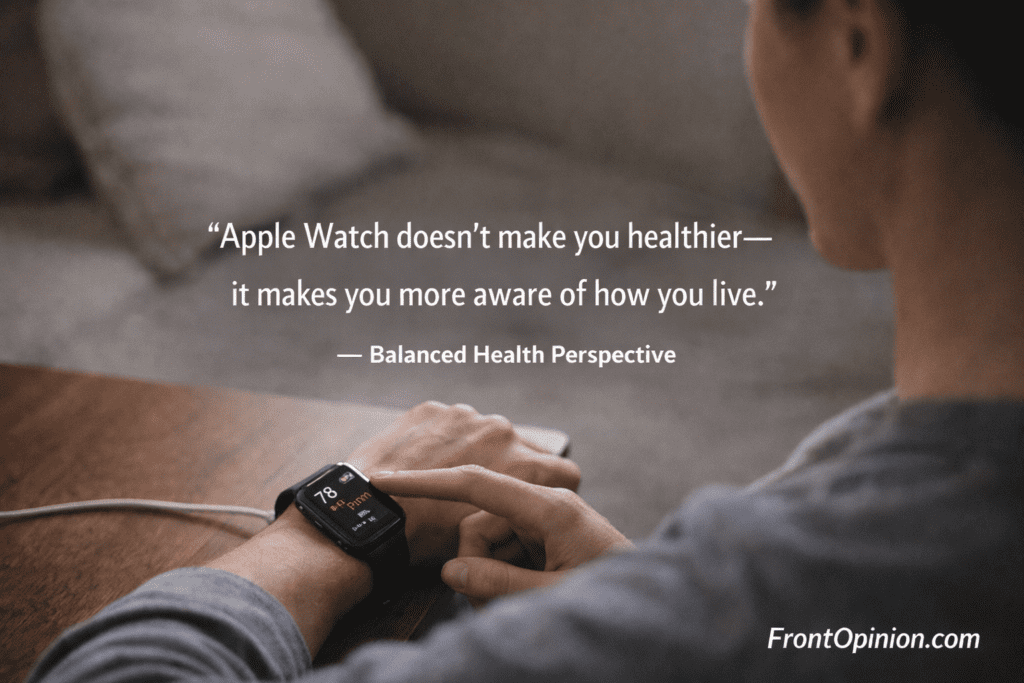
👉 Apple Watch reflects how you already live.
It amplifies good habits—and exposes bad ones.
That’s its real power.
Frequently Asked Questions – What is Apple Watch?
1. Is Apple Watch useful without an iPhone?
No. Apple Watch requires an iPhone for setup and full functionality.
2. Can Apple Watch replace a smartphone?
No. It reduces phone usage but does not replace it.
3. Is Apple Watch safe for health tracking?
Yes—for awareness and trends. It is not a medical diagnostic device.
4. How long does Apple Watch last?
With care, 3–5 years comfortably, supported by long software updates.
5. Does Apple Watch really improve fitness?
It helps with consistency, not transformation. Results depend on you.
6. Is Apple Watch worth the price?
Only if you use it daily. Value comes from usage, not features.
7. Which Apple Watch is best for beginners?
Apple Watch SE is usually the best starting point for beginners.